AEbar
Free custom toolbar builder for After Effects. Add buttons that apply effects, run scripts, invoke menu commands, and more from a compact, resizable grid.
Build Your Bar, Your Way
Add buttons that apply effects, run scripts, invoke menu commands, and more. Eight action types cover virtually anything you do in After Effects. Hold Shift, Alt, or Cmd while clicking for up to three alternate actions per button.
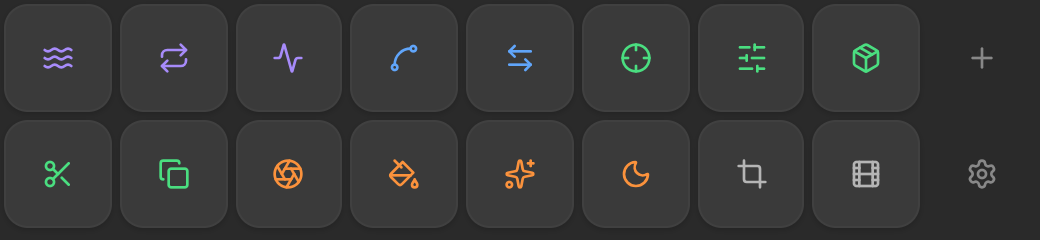
Fits Any Layout
Dock AEbar anywhere in your workspace. The button grid automatically adapts its columns and sizing to fill whatever shape you give it — wide toolbar, tall sidebar, or square panel.
Drag, Drop, Done
Long-press to enter edit mode, then drag buttons to reorder. Hold Shift while dragging to duplicate. Right-click any button to jump straight into the editor. Everything stays snappy.
Got Any Questions?
KBar was the inspiration and remains a great tool. Your toolbars will work the same way, but with AEbar they're easier to create and edit, prettier, and free. There are a bunch of little niceties we think you'll prefer, and since you can import straight out of KBar, there's really no reason not to switch.
AEbar works with After Effects 2022 and newer. It's a CEP extension, so any version of AE that supports the Extensions panel will run it.
Yes, completely free with no trial limits or feature gates. Download it and start building bars right away.
Install Motion Dock, our free panel for every Motion Fun tool, then add AEbar to your dock from Edit Layout. After the first install, restart After Effects and find Motion Dock under Window → Extensions.
AEbar now lives inside Motion Dock, alongside every other Motion Fun tool. One free install gets you all of them, updates are handled for you, and you only put the tools you want on screen.
AEbar supports 8 action types: Apply Effect, Apply Preset, Set Expression, Invoke Menu Item, Open Extension, Run JSX/JSXBIN File, Run Scriptlet, and Run Shell Command. Each button can also have alternate actions on Shift, Alt, and Cmd/Ctrl.
Yes. Use the Import button in settings and select your .kbar or .zip file. AEbar converts KBar buttons to native AEbar format, preserving effects, presets, scripts, and menu commands.
Yes. Create as many bars as you need and assign different bars to up to 5 independent panels. Each panel can show a different bar, and you can dock them anywhere in your AE workspace.
Ready to try AEbar?
Custom one-click toolbars for effects, scripts, and commands